







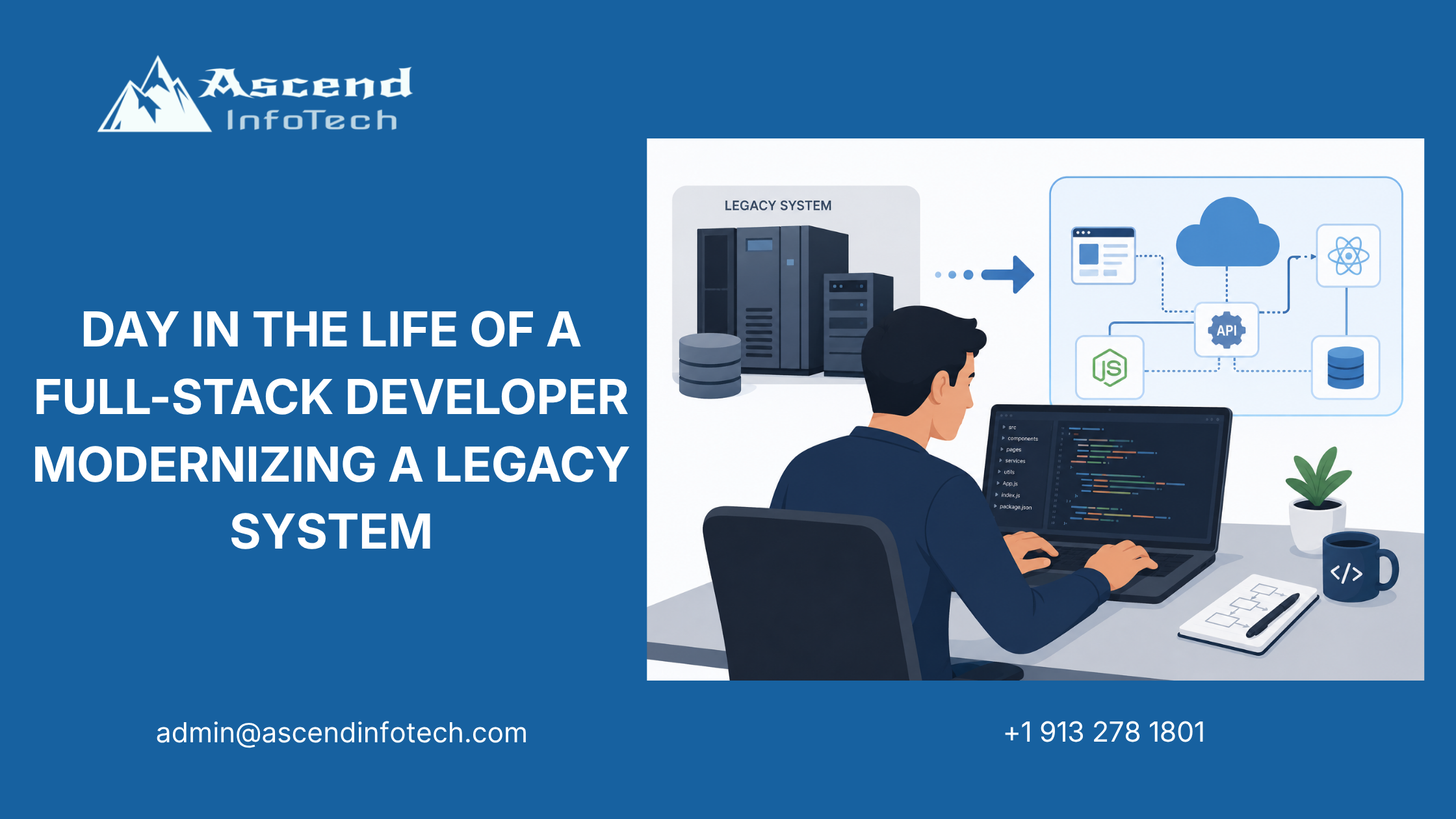
Day in the Life of a Full-Stack Developer Modernizing a Legacy System
At 8:15 AM, Dev opens his laptop and pulls up two versions of the same system: the old core-platform module and the modern replacement he is helping build. The legacy version still works, but it is slow, hard to maintain, and difficult to extend. This full stack developer day in the life of legacy modernization starts with code refactoring and ends with a QA pairing session to make sure nothing breaks during migration.
Dev works with an insurance and BFSI client that needs to modernize without disrupting daily operations. His job is to update the application layer, expose cleaner APIs, and help the team move carefully from old architecture to new. The day is a mix of coding, testing, and coordination across engineering and QA.
Morning Refactor Work
Reviewing the legacy module
Dev begins by inspecting a module that has been in production for years. The code still functions, but it has grown messy over time. There are tightly coupled methods, duplicate logic, and old database calls that are hard to trace.
He does not try to rewrite everything at once. Instead, he isolates one small part of the module and starts by mapping the current behavior. That lets him understand what the system is doing before he changes how it does it.
A careful modernization plan often starts with a clear view of the business workflow. That is where data analytics and insights can help teams understand usage patterns, dependency hotspots, and operational risk before they refactor.
Cleaning up the code
Dev rewrites the most tangled section into smaller functions with clearer responsibilities. He removes duplicate validation logic, separates business rules from database access, and adds comments where future developers will need context.
| Legacy Issue | Modern Fix |
| Large monolithic function | Split into smaller methods |
| Duplicate validation logic | Shared validation utility |
| Hard-coded database calls | Service layer abstraction |
| Tight UI coupling | API-driven design |
| Poor error handling | Standardized error responses |
The refactor is not glamorous, but it makes the code easier to test and safer to extend. That matters in BFSI, where one silent bug can affect transactions, claims, or account processing.
API Development
Building new endpoints
By late morning, Dev moves to the next part of the modernization effort: new API endpoints. The old system depended too much on screen-by-screen logic, which made integration painful. The new design needs clean endpoints so frontend applications and external services can talk to the platform more reliably.
He defines a few endpoints:
- Get customer account status.
- Submit policy update request.
- Validate transaction input.
- Fetch migration audit details.
Each endpoint gets request validation, error handling, and response formatting. Dev also makes sure the APIs match the new architecture standards so the platform can grow without becoming tangled again.
This shift is not just technical cleanup. It also supports the client’s broader transformation roadmap, which is where business strategy becomes important for aligning modernization with operational goals.
Checking backwards compatibility
Dev keeps one eye on the old system while building the new one. Legacy migration is risky because even a small change can break an existing flow. To reduce that risk, he makes the new endpoints compatible with the current data model during transition.
He checks:
- Input fields.
- Authentication behavior.
- Response codes.
- Downstream dependencies.
- Logging consistency.
That compatibility work gives the client room to migrate in stages instead of forcing one massive cutover.
QA Pairing Session
Testing the migration
After lunch, Dev meets with QA to validate the refactored module. They run test cases against the old and new versions side by side. The goal is simple: prove that the new code behaves correctly and that the migration has not introduced regressions.
The QA lead reviews:
- Expected outputs.
- Boundary conditions.
- Error states.
- API responses.
- UI behavior.
Dev helps debug one failing test where the new module returns a slightly different message format. The logic is right, but the output needs to match the agreed contract before it can be released.
Pairing with QA is what keeps modernization from becoming a guess. That shared review process is also easier when supporting tools and environments are well structured, which is where cloud apps can help teams manage deployment and testing workflows more efficiently.
Validating the UI transition
The client also wants the old and new screens to feel familiar enough that users do not get confused during rollout. Dev checks the modern UI mockups against the legacy screens and confirms the important actions are still easy to find.
He notes a few issues for follow-up:
- Button labels need to match user expectations.
- Navigation flow should be simplified.
- Error messages should be more helpful.
- Confirmation dialogs need clearer copy.
These are small details, but they matter because user trust is fragile during system change. If the interface feels too different, adoption can slow down even when the backend is better.
Afternoon Coordination
Syncing with product and operations
Later in the day, Dev joins a short sync with product and operations teams. They review what was completed, what still needs cleanup, and which legacy dependencies are holding the migration back. The conversation is practical and focused on risk.
He explains which module was refactored, which APIs are ready for test, and which issues need one more pass from QA. Operations wants to know whether any deployment windows are affected. Product wants to know whether the user-facing changes will stay on schedule. Dev gives both teams a clear answer.
A migration only works when technical work and business priorities stay aligned. That is why legacy modernization is often part of a larger digital transformation effort, not just a coding task.
End of Day Review
Signing off with confidence
Before logging off, Dev updates the migration notes and pushes the latest branch for review. The refactored module is cleaner, the new API endpoints are in place, and QA has confirmed the main flows are intact. There is still more work ahead, but the riskiest part of the change is under control.
He finishes the day with a short checklist:
- Refactor completed for core module.
- API endpoints added and validated.
- QA regression tests passed.
- UI alignment notes sent.
- Next sprint issues logged.
That is the rhythm of modernization work. It is not a dramatic rewrite. It is a sequence of careful improvements that steadily move a legacy platform toward something faster, safer, and easier to maintain.
What The Role Needs
Skills that matter
A full-stack developer modernizing legacy systems needs more than coding skill. The role depends on judgment, testing discipline, and the ability to work across layers of the stack.
| Skill | Why It Matters |
| Frontend development | Updates user experience |
| Backend development | Refactors core logic |
| API design | Connects old and new systems |
| QA collaboration | Prevents regressions |
| Legacy debugging | Finds hidden dependencies |
| Communication | Aligns engineering and business teams |
Dev uses all of these in one day. He is not only writing code. He is helping the client replace fragile legacy patterns with a more maintainable platform.
FAQ
What does a full-stack developer do in a day?
A full-stack developer works across frontend and backend tasks, builds APIs, fixes bugs, and collaborates with QA to keep releases stable.
Why is the full stack developer day in the life legacy modernization useful content?
It shows how legacy systems are modernized in practice and explains the mix of coding, testing, and coordination needed to do it safely.
What is legacy modernization?
Legacy modernization is the process of updating old systems so they are easier to maintain, integrate, and scale without disrupting business operations.
Why are APIs important in modernization?
APIs make it easier for modern applications to communicate with older systems during transition. They also help teams build cleaner architecture over time.
Why does QA pairing matter during migration?
QA pairing helps confirm that the new code still behaves like the old system where it should, and improves the chance of catching regressions before release.
What industries need legacy modernization most?
Insurance, BFSI, healthcare, and other regulated industries often need it most because they depend on older systems that still support critical workflows.